 SyncCrate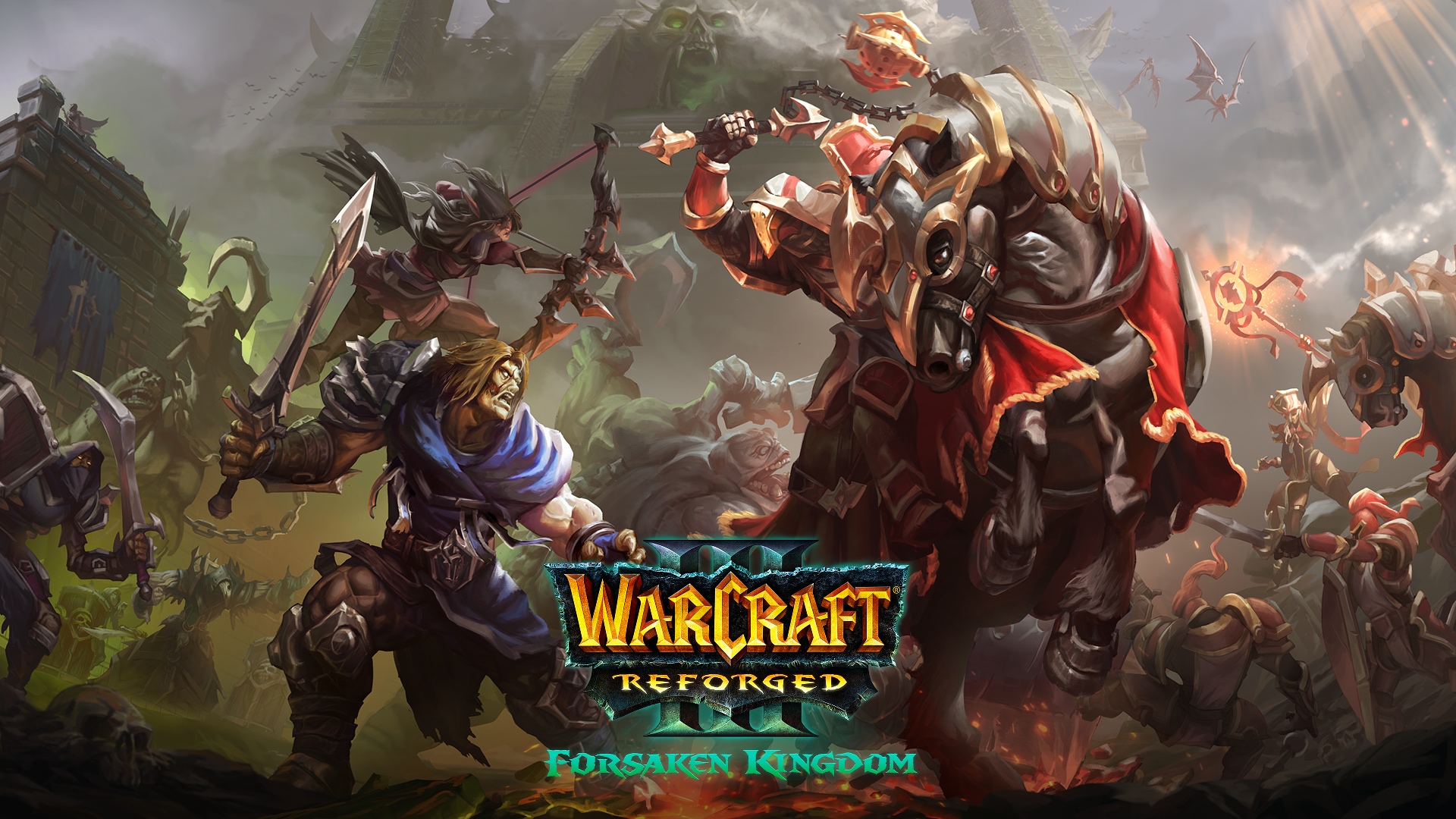
Warcraft III guide · Updated
Same Warcraft III maps on every PC.
Tower defenses, hero arenas and custom campaigns, on every PC before the first lobby opens. SyncCrate copies the host's custom maps folder to the room at LAN speed.
FreeOpen sourceNo cloudWin · macOS · Linux
// 01 Why
Why custom map nights start slow
Warcraft III can send a map to players who don't have it when they join a lobby, but that happens one lobby at a time, often slowly, and some maps are too big to transfer well. With a room full of players and a list of maps for the night, a lot of the evening goes to watching progress bars.
Map collections grow over years, with different versions of the same map under slightly different names, and nobody is sure which one the group plays.
With SyncCrate one PC hosts and the rest match it. Maps are compared by content, only the differences are copied, and everyone sees the list before anything changes.
// 02 What syncs
What SyncCrate syncs for Warcraft III
| Folder | Path in the game folder | Files |
|---|---|---|
| Custom Maps | Maps/Custom maps (.w3x, .w3m) in the Maps folder, in whatever subfolders you use. | .w3x .w3m |
// Where it looks
- Documents folder
Warcraft IIIinside your Documents folder- Windows
C:\Program Files (x86)\Warcraft III- macOS
/Applications/Warcraft III- Anywhere else
- Point SyncCrate at the folder yourself, once
Built in for Warcraft III
- Turn mods on and off. Disabled mods move to a
_Disabledfolder the game doesn't load. - Game-running warning. SyncCrate warns you before syncing while Warcraft III is still open.
- Undo and history. Undo the last sync in one click, and put back any single file a sync replaced or deleted.
// 03 How it works
Sync Warcraft III in three steps
Install and add the game
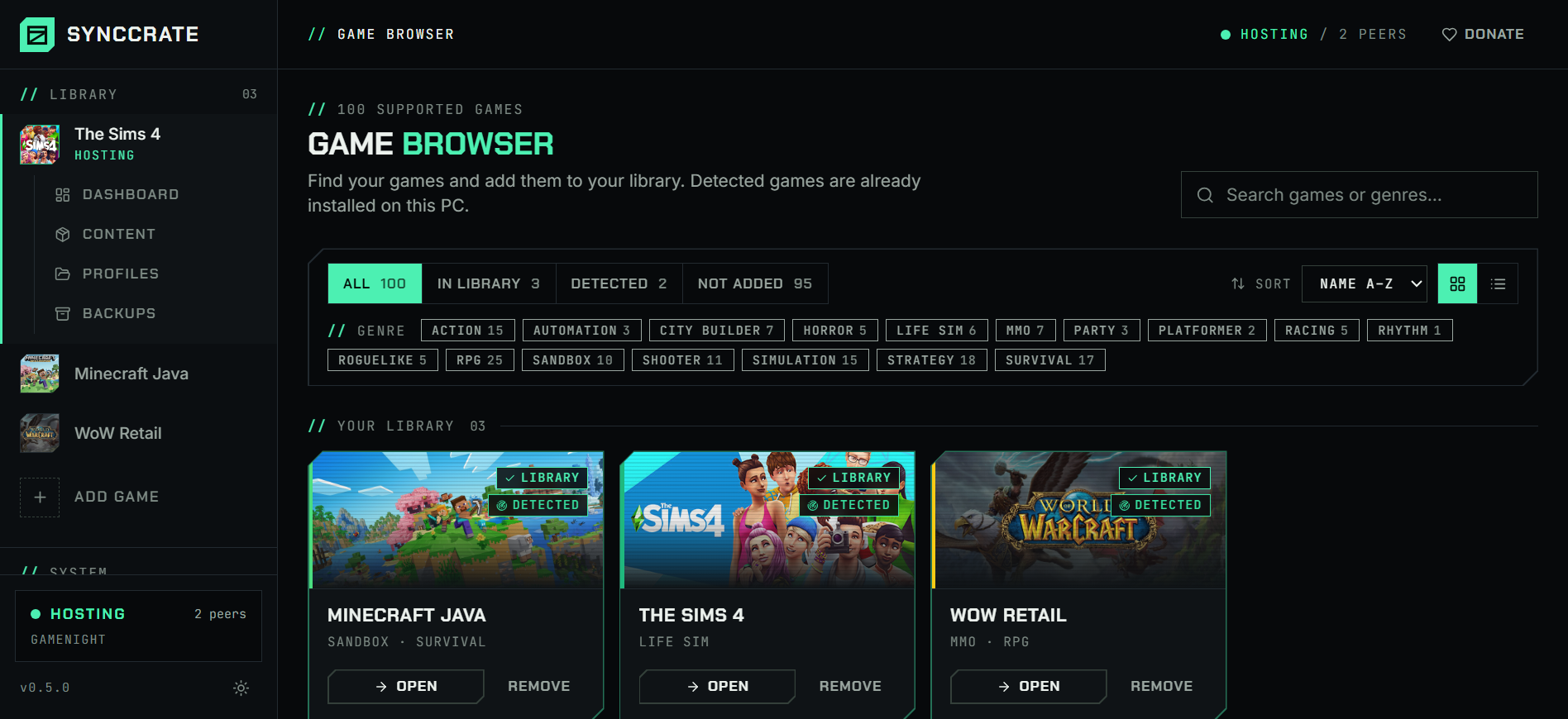
Install SyncCrate on every PC and add Warcraft III in the Game Browser. Its folder is found automatically.
One PC hosts
The PC with the setup everyone should have clicks Start Hosting. The others pick it under Scan for Hosts on the same network, or paste its join code from anywhere.
Compare and sync
Check the list of new, changed and conflicting files, then Sync Now. Only the files that differ are copied, PC to PC.
TipEveryone needs the same game version for the maps to show up in lobbies: Reforged with Reforged, or the same classic patch.
// 04 Common problems
When Warcraft III mods don't match
Waiting for map downloads in the lobby
In-lobby map transfers go one player at a time and can crawl for big maps.
Sync the whole map folder before the first game, at LAN speed, to every PC at once.
Different versions of the same map
Two players with different versions of a map can't play it together, and the file names often look almost the same.
Everyone gets the host's exact files, so versions match.
No internet at the LAN party
Downloading map packs needs a connection, and at a LAN party that connection is shared or missing.
SyncCrate works on the local network with no internet at all.
// 05 Warcraft III
Good to know
- Reforged keeps maps in
Documents\Warcraft III\Maps. Classic installs keep them in the game folder'sMaps. SyncCrate looks in both places, and you can point it at another folder. - Only maps sync. Replays, settings and your Battle.net account aren't touched.
// FAQ
Warcraft III questions
Where do Warcraft III custom maps go?
For Reforged, in Documents\Warcraft III\Maps. For classic versions, in the Maps folder inside the game folder. Subfolders are fine.
Doesn't Warcraft III download maps in the lobby?
It does, one lobby at a time and often slowly. Syncing beforehand means every PC already has every map when the lobby opens.
Does it work for classic LAN parties with old patches?
Yes, as long as everyone runs the same patch. SyncCrate only copies the maps, so the game version stays each player's own.
// Related game guides
All games · SyncCrate supports 100 games.
// Free · Open source · Windows, macOS, Linux
Same Warcraft III setup on every PC.
Install SyncCrate on each PC, one of you hosts, everyone else joins. No accounts, no cloud, nothing uploaded anywhere.