 SyncCrate

Europa Universalis V guide · Updated
Same EU5 mods for every nation.
Multiplayer needs everyone on the same mods and the same save. SyncCrate copies the host's mod and save folders to every player, and after the first time only what changed.
FreeOpen sourceNo cloudWin · macOS · Linux
// 01 Why
Why modded EU5 sessions desync
Europa Universalis V checks that every player runs the same game and mods. Different files and the session refuses to start or goes out of sync.
Local mods and the campaign save have to be on every PC, and long campaigns move from one evening to the next, sometimes with a different host.
With SyncCrate one PC hosts and the others match it. Files are compared by content and only the differences are copied.
// 02 What syncs
What SyncCrate syncs for Europa Universalis V
| Folder | Path in the game folder | Files |
|---|---|---|
| Mods | mod/Local mods in mod. | All files |
| Save Files | save games/The campaign saves, so anyone can host the next session. | All files |
// Where it looks
- Documents folder
Paradox Interactive/Europa Universalis Vinside your Documents folder- Anywhere else
- Point SyncCrate at the folder yourself, once
Built in for Europa Universalis V
- Turn mods on and off. Disabled mods move to a
_Disabledfolder the game doesn't load. - Game-running warning. SyncCrate warns you before syncing while Europa Universalis V is still open.
- Undo and history. Undo the last sync in one click, and put back any single file a sync replaced or deleted.
// 03 How it works
Sync Europa Universalis V in three steps
Install and add the game
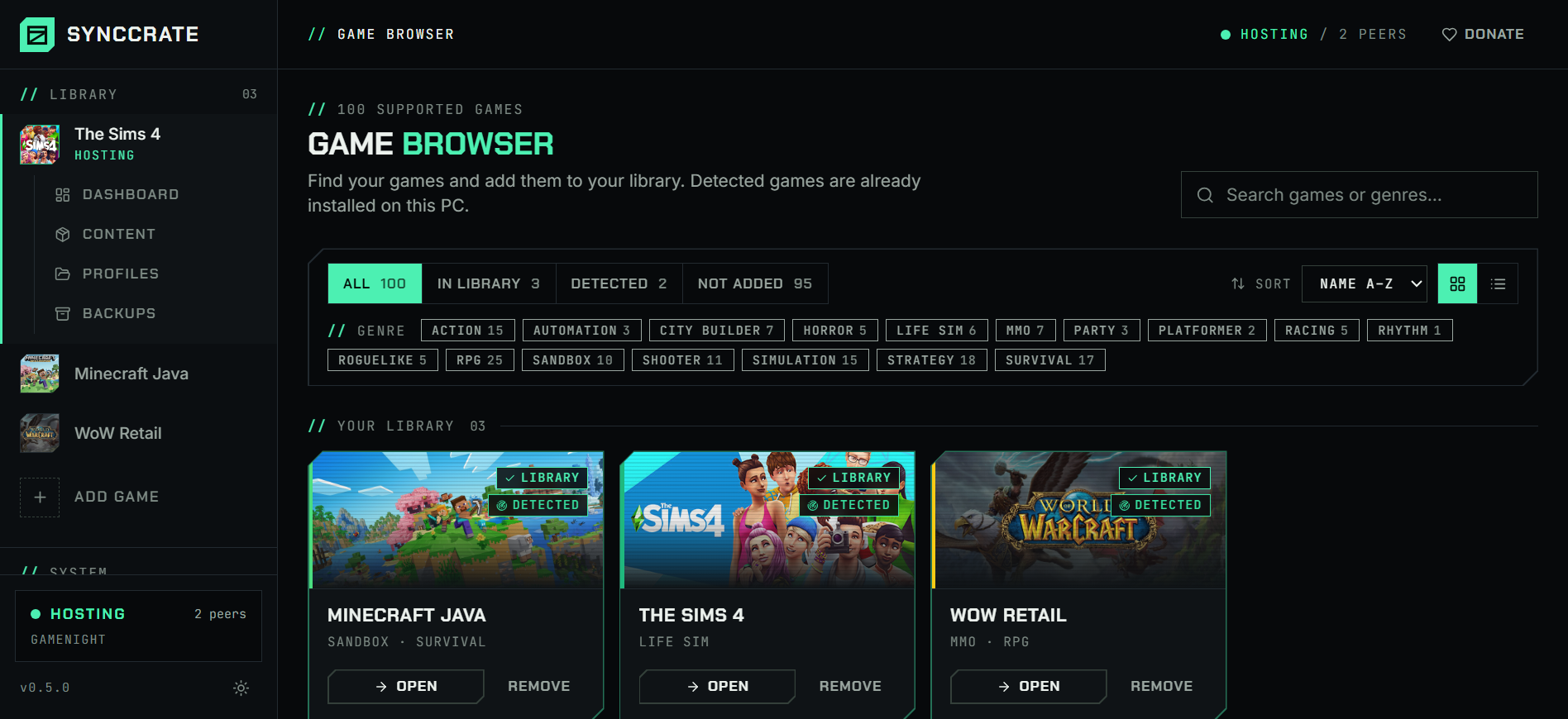
Install SyncCrate on every PC and add Europa Universalis V in the Game Browser. Its folder is found automatically.
One PC hosts
The PC with the setup everyone should have clicks Start Hosting. The others pick it under Scan for Hosts on the same network, or paste its join code from anywhere.
Compare and sync
Check the list of new, changed and conflicting files, then Sync Now. Only the files that differ are copied, PC to PC.
TipClose the game before syncing, then enable the same mods in the launcher.
// 04 Common problems
When Europa Universalis V mods don't match
Checksum mismatch
Players with different mods can't play together.
Everyone syncs the host's
modfolder, so the files match.The host can't make it
The campaign save lives on the host's PC.
Saves sync too, so another player can host with the latest save.
Long campaigns, many sessions
Copying the save around after every session is easy to forget.
After the first sync only the changed files are copied.
// 05 Europa Universalis V
Good to know
- Workshop and Paradox Mods subscriptions are downloaded by Steam or the launcher and aren't synced. Everyone subscribes to the same items.
- Your settings stay yours. Only the
modandsave gamesfolders sync.
// FAQ
Europa Universalis V questions
Where are EU5 local mods?
In Documents\Paradox Interactive\Europa Universalis V\mod. SyncCrate finds it.
Can I move the campaign to another host?
Yes. Saves sync, so the next host loads the latest one.
Does it enable mods?
No. Enable them in the launcher's playset after syncing.
Does it work with other Paradox games?
Yes. EU4, CK2, CK3, Stellaris, HOI4 and Victoria 3 are separate games in SyncCrate.
// Related game guides
All games · SyncCrate supports 123 games.
// Free · Open source · Windows, macOS, Linux
Same Europa Universalis V setup on every PC.
Install SyncCrate on each PC, one of you hosts, everyone else joins. No accounts, no cloud, nothing uploaded anywhere.