 SyncCrate

Trackmania (2020) guide · Updated
Same Trackmania maps for the whole group.
A map pack for tonight's session, the track you're building together, the replay with the line everyone wants to copy. SyncCrate copies the host's Trackmania Maps, Replays and Skins folders to friends, and after the first time only what changed.
FreeOpen sourceNo cloudWin · macOS · Linux
// 01 Why
Why Trackmania files end up scattered
Trackmania keeps your own tracks, downloaded maps, replays and skins in its folder in Documents. Maps from Trackmania Exchange, tracks a friend is still building in the editor, and replays of a record run all live there, and none of it reaches another player's PC by itself.
For a group, that means sending .Gbx files around in chat. A track that's being built by two people goes back and forth after every change, and whoever hosts a session with a custom pack has to make sure everyone has the maps first.
With SyncCrate one PC hosts and the others match it. Files are compared by content, only the differences are copied, and everyone sees the list before anything changes.
// 02 What syncs
What SyncCrate syncs for Trackmania (2020)
| Folder | Path in the game folder | Files |
|---|---|---|
| Maps | Maps/Maps (.Map.Gbx) in Trackmania/Maps, in subfolders like My Maps and Downloaded. | .gbx |
| Replays | Replays/Replays and ghosts (.Replay.Gbx) to watch or race against. | .gbx |
| Skins | Skins/Car skins and other skin files (.zip) in Trackmania/Skins. | .zip |
// Where it looks
- Documents folder
Trackmania2020,Trackmaniainside your Documents folder- Anywhere else
- Point SyncCrate at the folder yourself, once
Built in for Trackmania (2020)
- Turn mods on and off. Disabled mods move to a
_Disabledfolder the game doesn't load. - Game-running warning. SyncCrate warns you before syncing while Trackmania (2020) is still open.
- Undo and history. Undo the last sync in one click, and put back any single file a sync replaced or deleted.
// 03 How it works
Sync Trackmania (2020) in three steps
Install and add the game
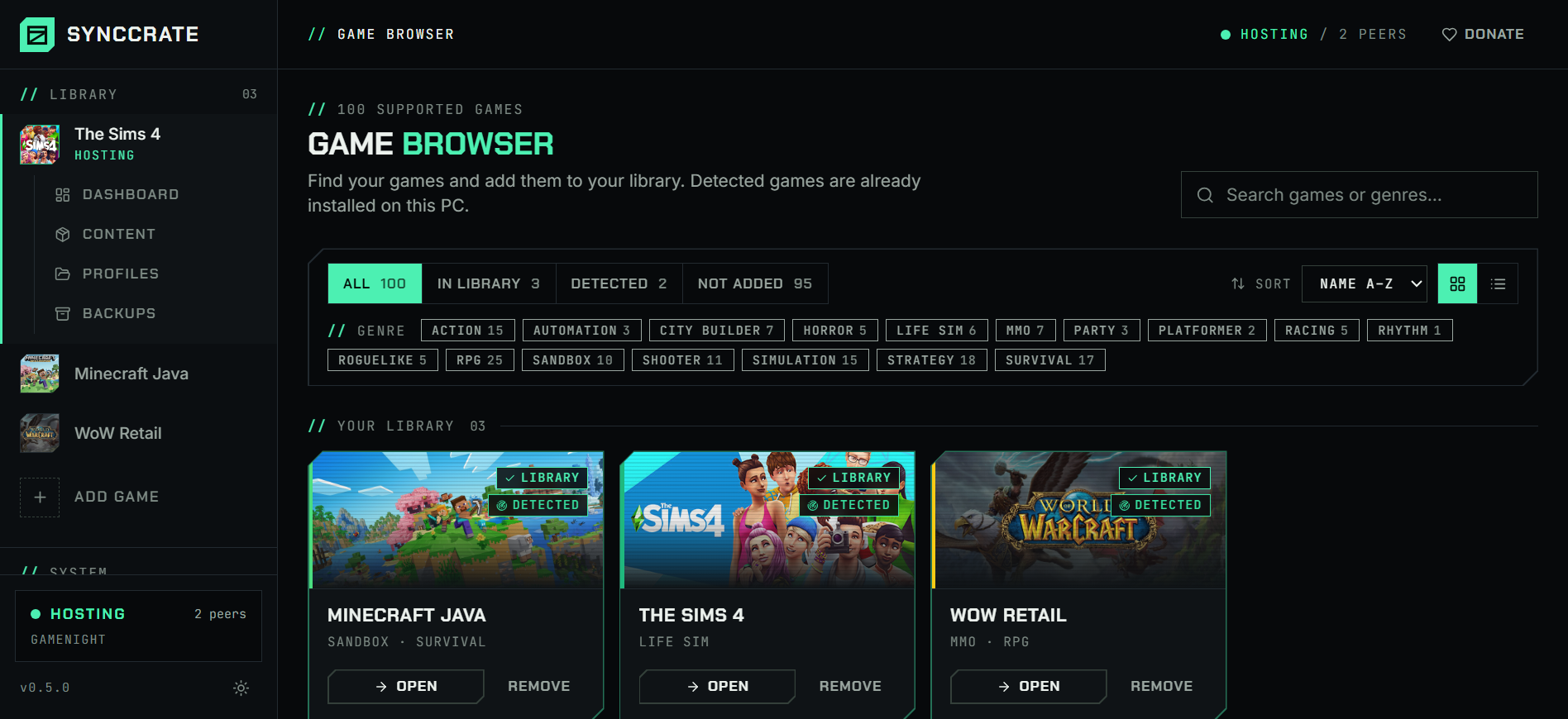
Install SyncCrate on every PC and add Trackmania (2020) in the Game Browser. Its folder is found automatically.
One PC hosts
The PC with the setup everyone should have clicks Start Hosting. The others pick it under Scan for Hosts on the same network, or paste its join code from anywhere.
Compare and sync
Check the list of new, changed and conflicting files, then Sync Now. Only the files that differ are copied, PC to PC.
TipClose Trackmania before syncing, so the game sees new maps when it starts. SyncCrate warns you if it's still running.
// 04 Common problems
When Trackmania (2020) mods don't match
Building a track together
Two people working on one map means sending the file after every change and keeping track of which version is newest.
The builder hosts, the other syncs and gets only the files that changed. If both edited the same map, SyncCrate asks whose to keep, or keeps both.
Map pack for a session
A private session on a custom map pack only works well when everyone has the maps before the first round.
Everyone syncs the host's Maps folder beforehand, straight from PC to PC.
Sharing a record run
A replay shows exactly how a time was set, but it only exists on the PC that drove it.
Replays sync with the rest, so friends can watch the run or race its ghost.
Moving to a new PC
Years of your own tracks and downloaded maps are in Documents, not in the game install, and are easy to forget.
Sync Maps, Replays and Skins from the old PC to the new one over the local network.
// 05 Trackmania (2020)
Good to know
- Only your files sync. Maps, replays and skins in Documents. The game, your settings and your Ubisoft account stay on each PC.
- Online maps still come from the game. Campaign and club maps are downloaded by Trackmania itself. SyncCrate is for the files you keep locally.
- Looking for the older games? TrackMania Nations Forever has its own page: [TrackMania Nations Forever](trackmania-nations-forever).
// FAQ
Trackmania (2020) questions
Where are Trackmania maps stored?
In the Trackmania folder in Documents: Documents/Trackmania/Maps, with replays in Replays and skins in Skins next to it. SyncCrate finds the folder by itself.
How do I send a Trackmania map to a friend?
Host on your PC, your friend joins with the join code and clicks Compare & Sync. The map lands in their Maps folder and shows up in the game's local maps. Later changes only copy what you edited.
Can I share replays and ghosts?
Yes. The Replays folder syncs like the maps, so a friend can watch your run or race against it.
Does SyncCrate work with TrackMania Nations Forever too?
Yes, as a separate game in SyncCrate, with its own tracks and skins folders.
// Related game guides
All games · SyncCrate supports 100 games.
// Free · Open source · Windows, macOS, Linux
Same Trackmania (2020) setup on every PC.
Install SyncCrate on each PC, one of you hosts, everyone else joins. No accounts, no cloud, nothing uploaded anywhere.