 SyncCrate
Dark Souls III guide · Updated
Dark Souls III Seamless Co-op for the whole group.
Seamless Co-op only connects players who run the same version with the same password. SyncCrate copies the host's SeamlessCoop folder, settings included, to every friend, and after the first time only what changed.
FreeOpen sourceNo cloudWin · macOS · Linux
// 01 Why
Why Seamless Co-op sessions fail to connect
Seamless Co-op is the way most groups play Dark Souls III together for a whole run. It only works when everyone has the same version of the mod and the same co-op password in its settings file.
Updates come out often, and after each one somebody is still on the old version, or typed the password slightly differently. Then the summon sign never shows up and nobody knows why.
With SyncCrate one PC hosts and the others match it. The SeamlessCoop folder, including the settings file with the password, is compared by content and only the differences are copied.
// 02 What syncs
What SyncCrate syncs for Dark Souls III
| Folder | Path in the game folder | Files |
|---|---|---|
| Seamless Co-op | SeamlessCoop/The mod's folder in the game's Game folder: its .dll, the settings file with the co-op password, and the language files. | All files |
// Where it looks
- Steam
steamapps/common/DARK SOULS III/Gamein every Steam library, on every drive- Anywhere else
- Point SyncCrate at the folder yourself, once
Built in for Dark Souls III
- Script warnings.
.dlland.exefiles run code on your PC, so they're flagged for you to review before they sync. - No per-file on/off switch. Mods for this game can't be turned off one file at a time, so SyncCrate syncs them as they are.
- Game-running warning. SyncCrate warns you before syncing while Dark Souls III is still open.
- Undo and history. Undo the last sync in one click, and put back any single file a sync replaced or deleted.
// 03 How it works
Sync Dark Souls III in three steps
Install and add the game
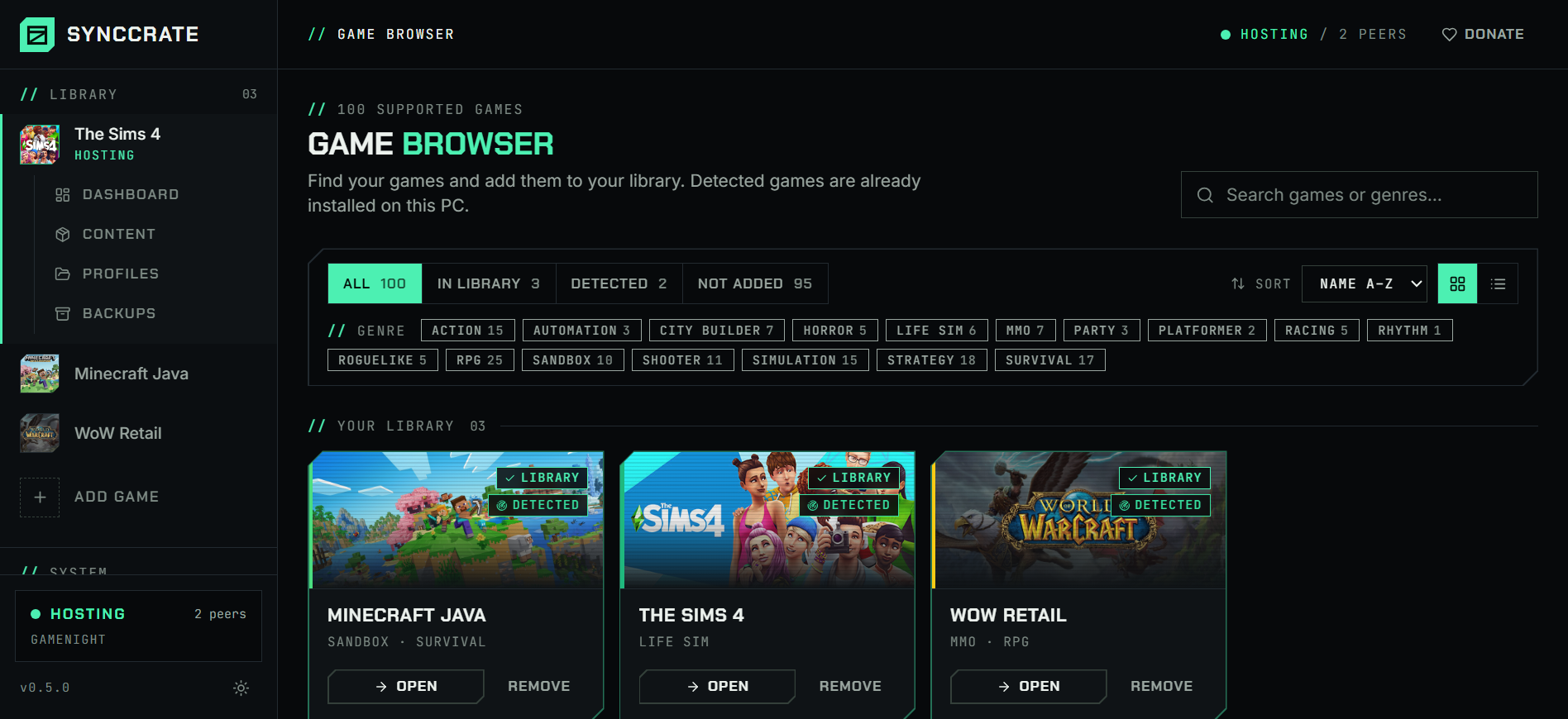
Install SyncCrate on every PC and add Dark Souls III in the Game Browser. Its folder is found automatically.
One PC hosts
The PC with the setup everyone should have clicks Start Hosting. The others pick it under Scan for Hosts on the same network, or paste its join code from anywhere.
Compare and sync
Check the list of new, changed and conflicting files, then Sync Now. Only the files that differ are copied, PC to PC.
TipClose Dark Souls III before syncing. SyncCrate warns you if the game is still running.
// 04 Common problems
When Dark Souls III mods don't match
Friends can't see each other
Players on different versions of Seamless Co-op, or with different passwords, can't join each other's sessions.
Everyone syncs the host's SeamlessCoop folder, so the version and the password match before anyone starts the game.
A new version came out
After an update the whole group has to switch at the same time, or nobody can play together.
The host updates once. Friends sync and get the new files.
ds3sc_launcher.exesits next to the folder and isn't synced, so copy it once after an update that changes it.Who changed the settings?
Settings like the password, enemy scaling or how many lives the group has live in one file, and a friend's copy drifts from the host's.
The settings file syncs with the folder. When it changed on both PCs, SyncCrate asks: keep mine, use theirs or keep both.
// 05 Dark Souls III
Good to know
- Saves aren't synced. Seamless Co-op saves sit in your AppData folder, tied to your Steam account, so each player keeps their own character.
- Code is flagged. The mod's
.dllruns code on your PC, so it's flagged before it syncs and nothing changes until you approve the list. Only sync with people you trust. - Steam version. SyncCrate finds the game in every Steam library. Point it at the game's
Gamefolder if it's somewhere else.
// FAQ
Dark Souls III questions
Do all players need Seamless Co-op?
Yes. Everyone needs the same version of the mod and the same password, which is exactly what syncing the host's folder gives them.
Does SyncCrate install Seamless Co-op?
It copies the host's SeamlessCoop folder. The first time, each player also needs ds3sc_launcher.exe next to it, from the mod's download.
Does it copy my character?
No. Saves are tied to each Steam account, so everyone plays their own character.
Can I sync other mods too?
This page covers Seamless Co-op. Mods loaded by Mod Engine 2 live in its own folder, wherever you unpacked it, and aren't synced.
// Related game guides
All games · SyncCrate supports 123 games.
// Free · Open source · Windows, macOS, Linux
Same Dark Souls III setup on every PC.
Install SyncCrate on each PC, one of you hosts, everyone else joins. No accounts, no cloud, nothing uploaded anywhere.