 SyncCrate

SimCity 4 guide · Updated
Your SimCity 4 plugins on another PC.
Twenty years of custom lots, the NAM and every dependency, plus the regions you built with them. SyncCrate copies the Plugins and Regions folders between PCs, and after the first time only what changed.
FreeOpen sourceNo cloudWin · macOS · Linux
// 01 Why
Why moving SimCity 4 is scary
A long-running SimCity 4 install is thousands of plugin files: custom lots, props, textures and all the dependency packs they need, often collected from sites that no longer exist. Lose one dependency and lots turn into brown boxes; move a region to a PC without the right plugins and it falls apart.
Region play has the same problem. When friends take turns building cities in a shared region, every PC needs the same plugins and the latest copy of the region.
SyncCrate copies Plugins and Regions from one PC to another. Files are compared by content, only the differences are copied, and you see the list before anything changes.
// 02 What syncs
What SyncCrate syncs for SimCity 4
| Folder | Path in the game folder | Files |
|---|---|---|
| Plugins | Plugins/Plugin files in Plugins: lots, props, textures, the NAM and other mods. Folder names and load order are kept exactly. | All files |
| Regions | Regions/Regions with their cities and region settings. | .sc4 .bmp .ini .png |
// Where it looks
- Documents folder
SimCity 4inside your Documents folder- Anywhere else
- Point SyncCrate at the folder yourself, once
Built in for SimCity 4
- Script warnings.
.dllfiles run code on your PC, so they're flagged for you to review before they sync. - No per-file on/off switch. Mods for this game can't be turned off one file at a time, so SyncCrate syncs them as they are.
- Game-running warning. SyncCrate warns you before syncing while SimCity 4 is still open.
- Undo and history. Undo the last sync in one click, and put back any single file a sync replaced or deleted.
// 03 How it works
Sync SimCity 4 in three steps
Install and add the game
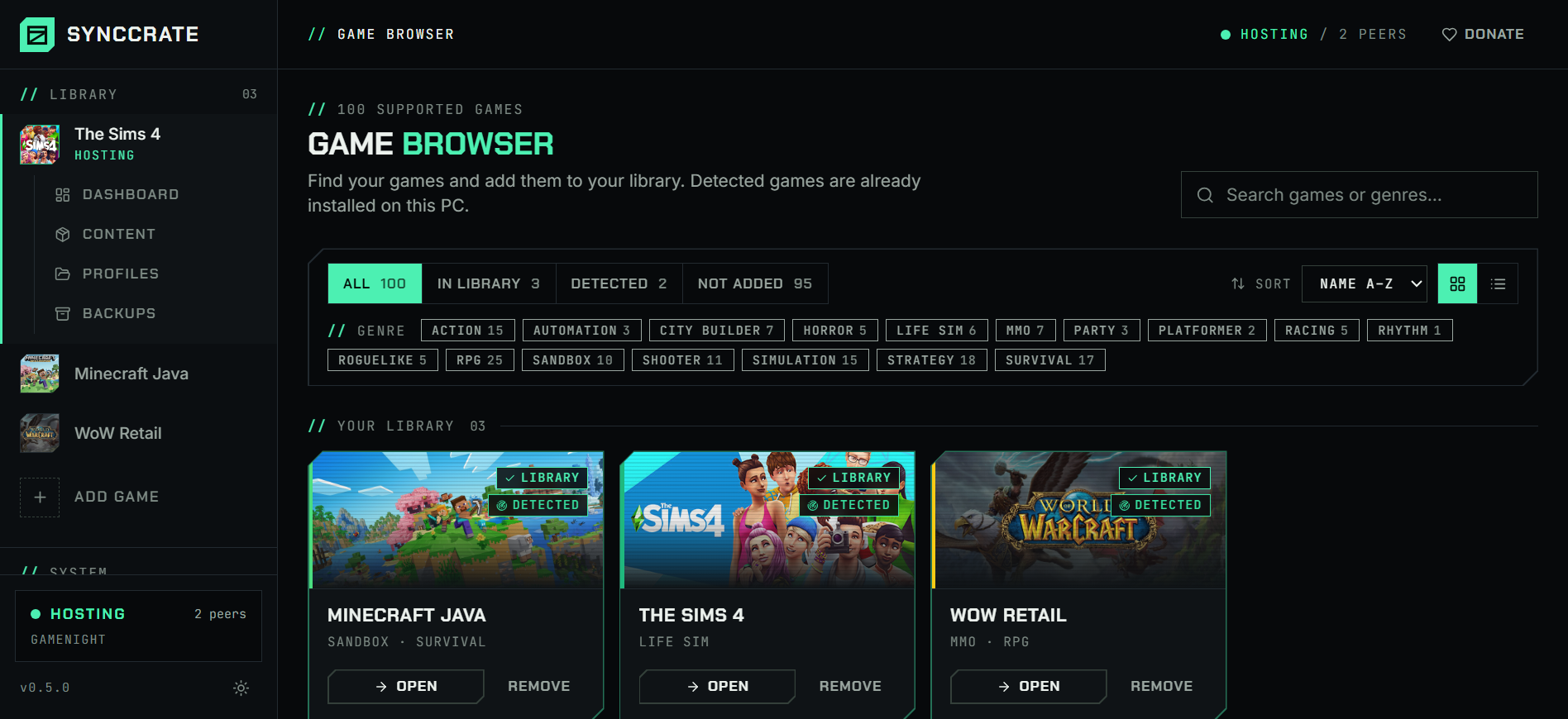
Install SyncCrate on every PC and add SimCity 4 in the Game Browser. Its folder is found automatically.
One PC hosts
The PC with the setup everyone should have clicks Start Hosting. The others pick it under Scan for Hosts on the same network, or paste its join code from anywhere.
Compare and sync
Check the list of new, changed and conflicting files, then Sync Now. Only the files that differ are copied, PC to PC.
TipClose SimCity 4 before you sync; SyncCrate warns you if it's still running. The game reads Plugins only when it starts.
// 04 Common problems
When SimCity 4 mods don't match
Brown boxes after moving
Custom lots need their dependencies. Miss one while copying and the lot shows as a brown box or disappears.
Every plugin file syncs, dependencies included, in the same folder layout.
Load order depends on folder names
SimCity 4 loads plugins in name order, and mods like the NAM rely on it.
SyncCrate keeps the exact folder and file names, so the load order is the same on the other PC.
Taking turns in a shared region
Region play means passing the region from player to player, with the plugins every city uses.
Whoever built last hosts; the next player syncs the region and the plugins, then builds.
Plugin DLLs run code
Some modern fixes and the NAM come with
.dllplugins that run with the game..dllfiles are flagged before they sync, and nothing changes until you approve the list. Only sync with people you trust.
// 05 SimCity 4
Good to know
- Files live in Documents:
Documents\SimCity 4, with Plugins and Regions. SyncCrate finds it. - Plugins in the game's install folder aren't synced; most mods belong in the Documents Plugins folder anyway.
- Only these folders sync. Your game settings stay yours.
// FAQ
SimCity 4 questions
How do I move SimCity 4 to a new PC with my plugins?
Install the game and SyncCrate on the new PC, host on the old one, join from the new one and Compare & Sync. Plugins and Regions arrive with the same folder layout.
Where is the SimCity 4 Plugins folder?
In Documents\SimCity 4\Plugins, with regions in Documents\SimCity 4\Regions.
Does it work for region play with friends?
Yes. Sync the plugins once, then the region each time someone hands it over. Only the cities that changed are copied.
// Related game guides
All games · SyncCrate supports 100 games.
// Free · Open source · Windows, macOS, Linux
Same SimCity 4 setup on every PC.
Install SyncCrate on each PC, one of you hosts, everyone else joins. No accounts, no cloud, nothing uploaded anywhere.